
Adding Notes to a Contact in VipeCloud
Edited
Keep track of important customer details, follow-up information, conversations, preferences, and reminders by adding notes directly to a contact record.
Step by Step Instructions:
Log in to your VipeCloud account.
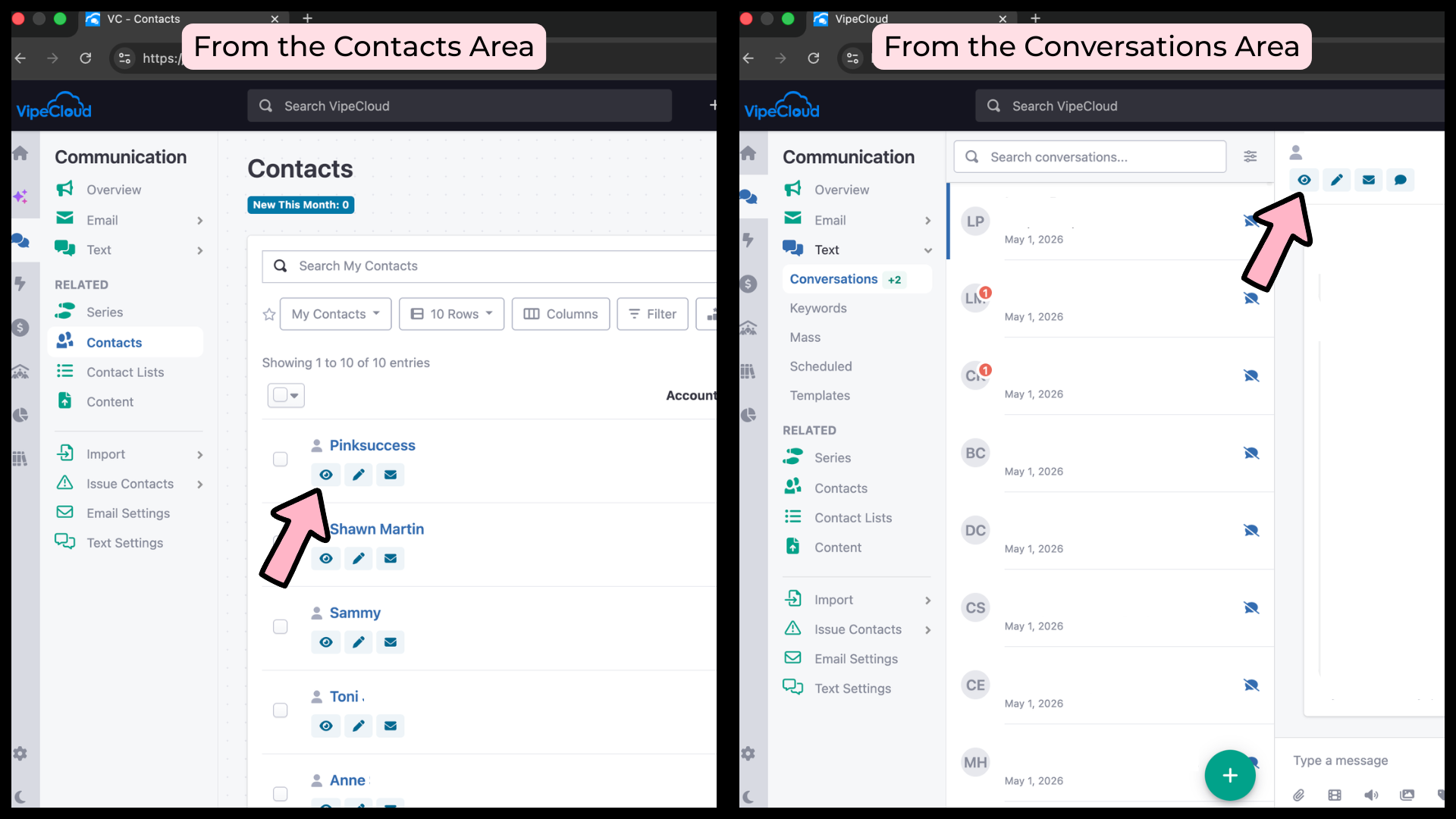
Use the Contacts or Conversations section to locate the contact you would like to update.
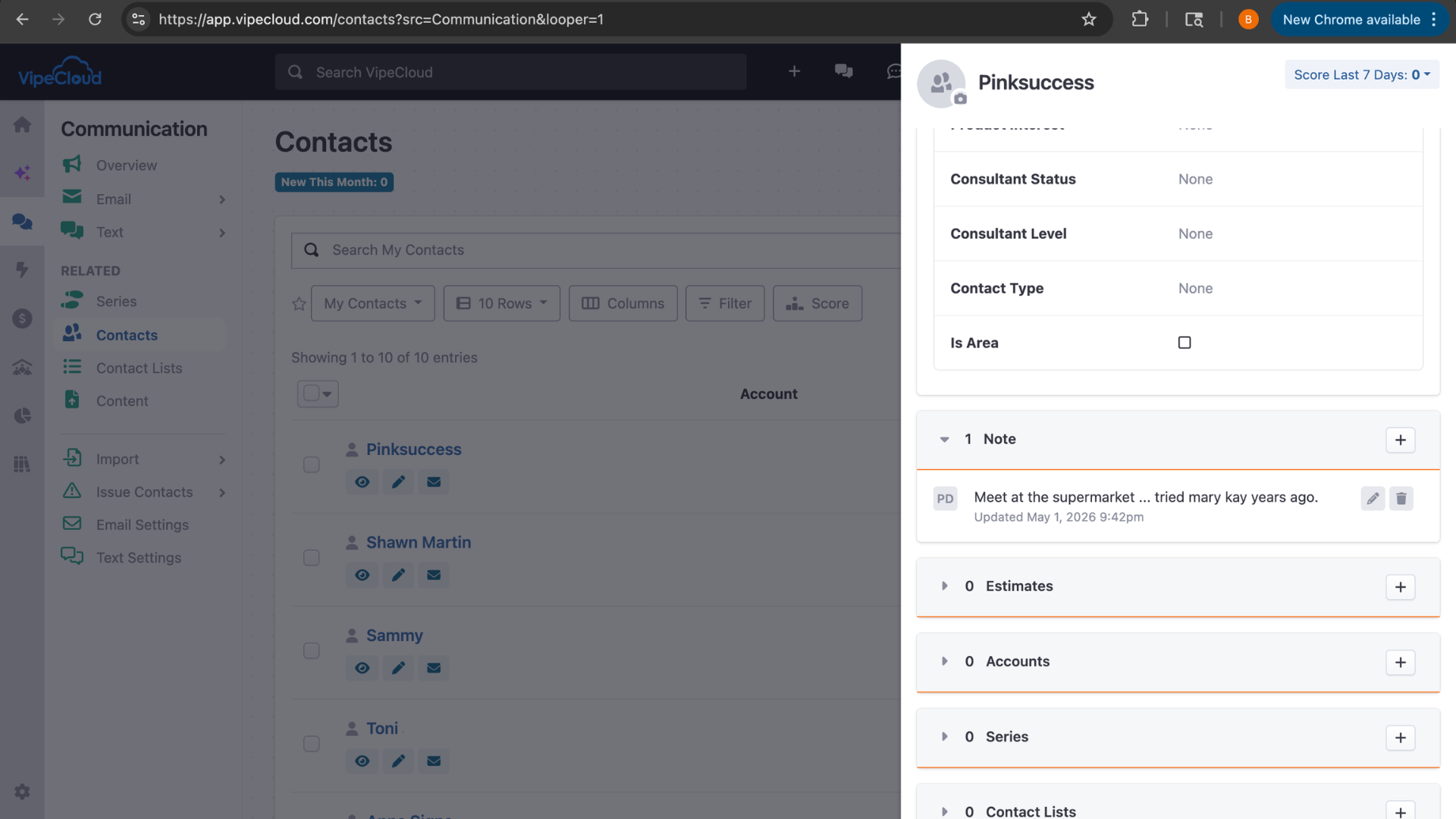
Click on the eye icon next to or below their name to open their contact profile in quick view.
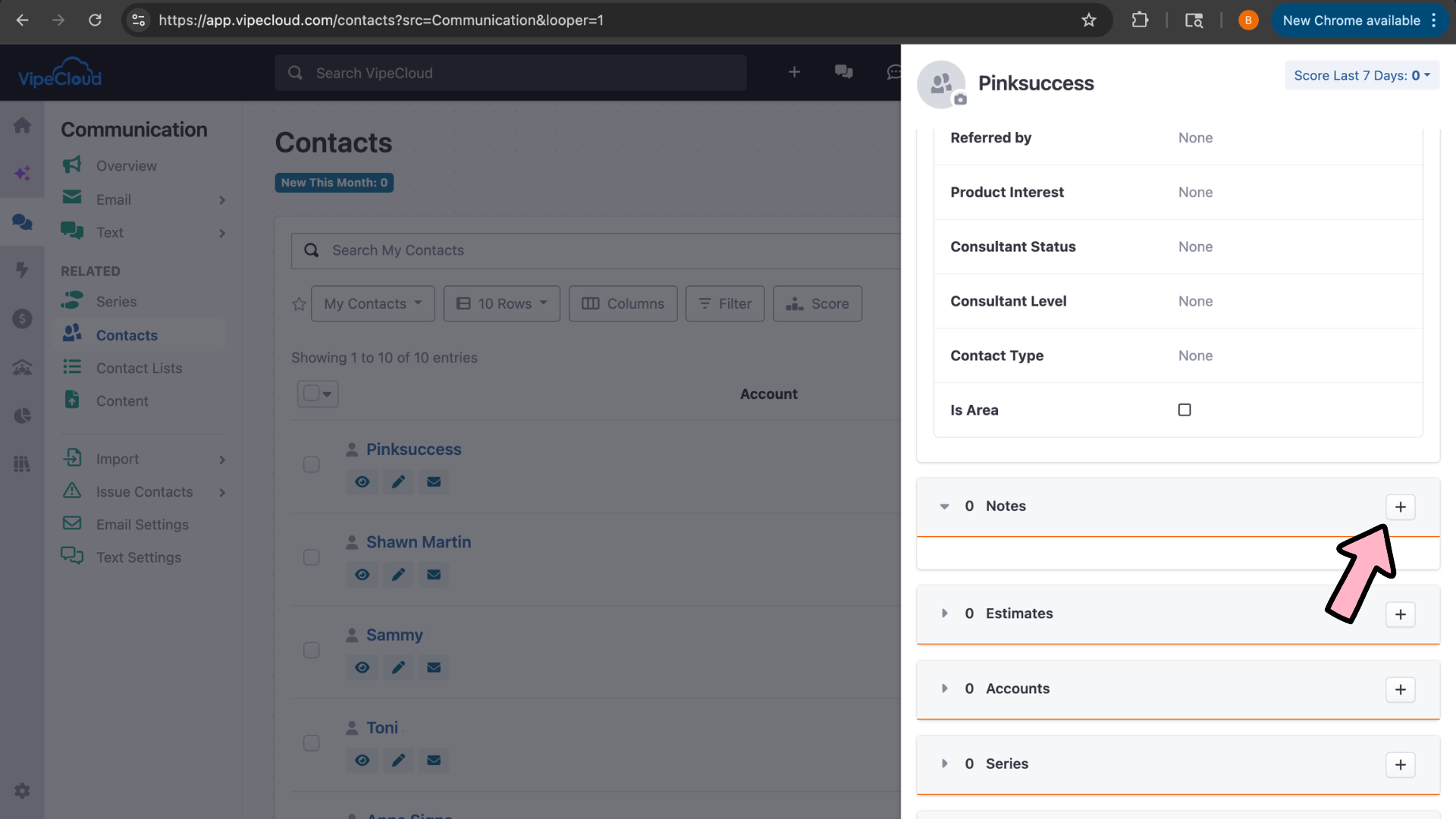
Locate the Notes section on the contact record and click the plus button to add a new note.
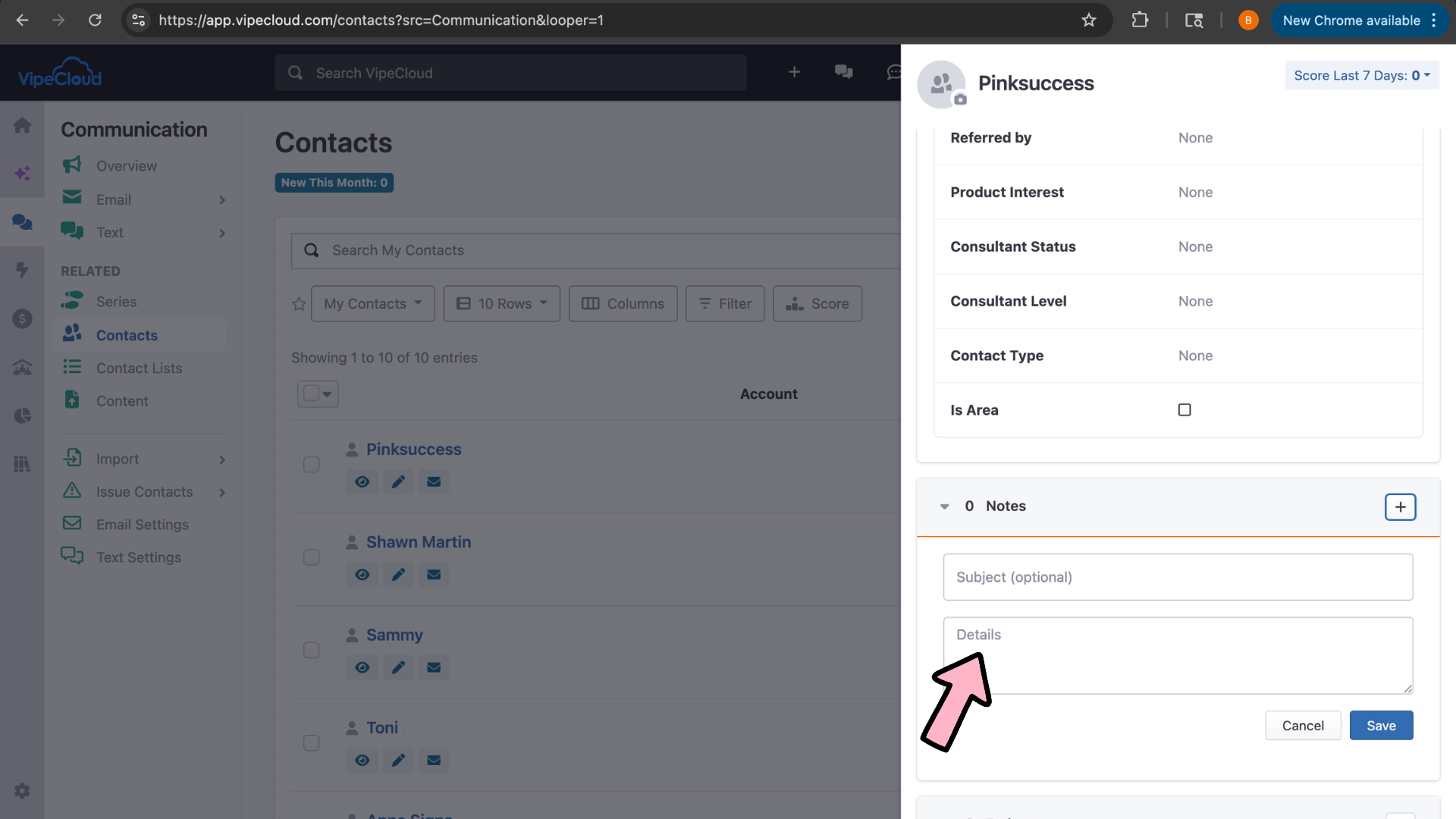
You can add a subject if you would like or just add your notes in the Details section.
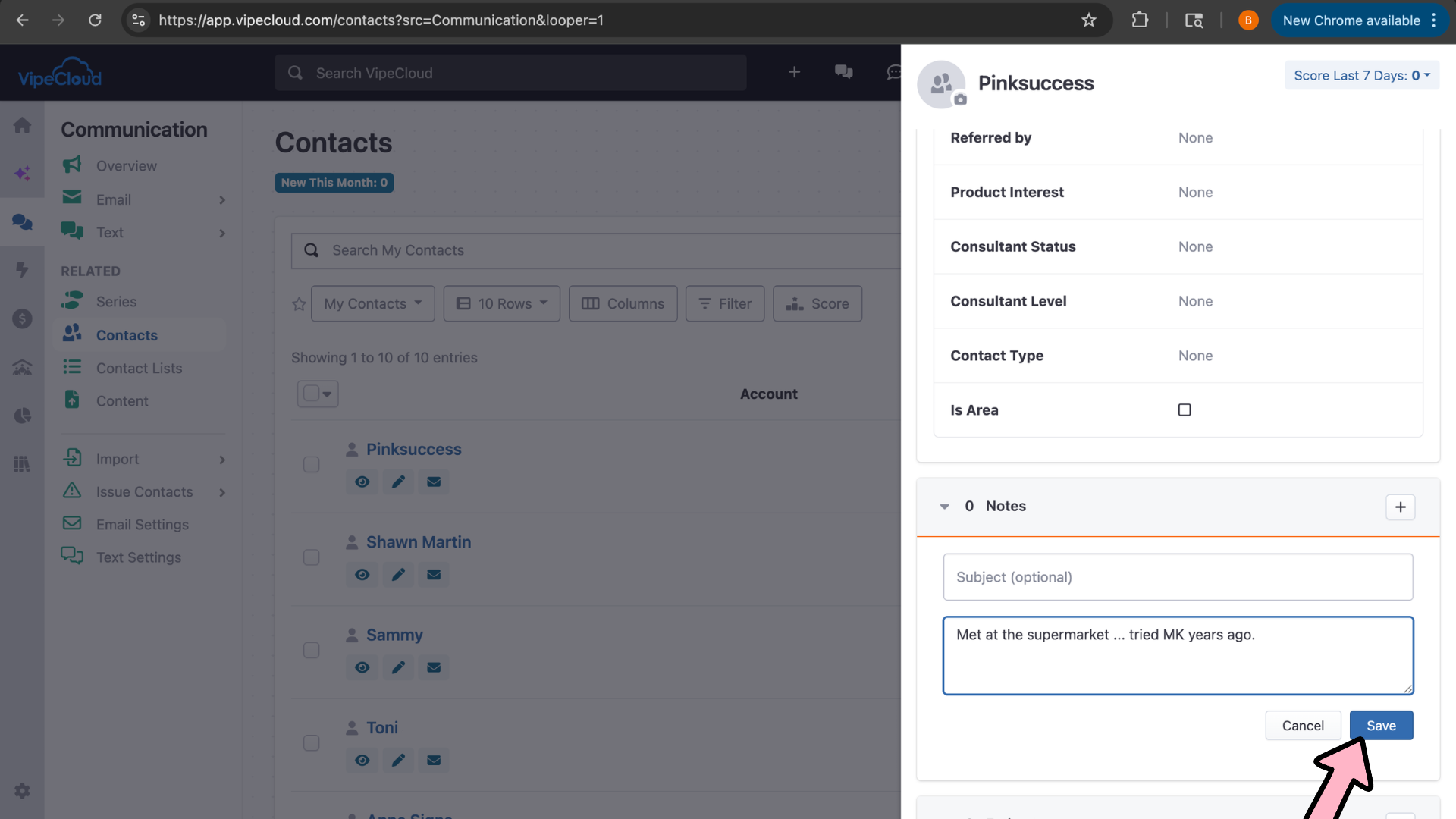
Click Save.
You can view your note now in the contact record.
Notes
Contacts
profile